 Status








































































Deploying a single app on Deploio is fast. Wiring up a full environment (with a database, object storage and the right credentials) still involves too much manual work.
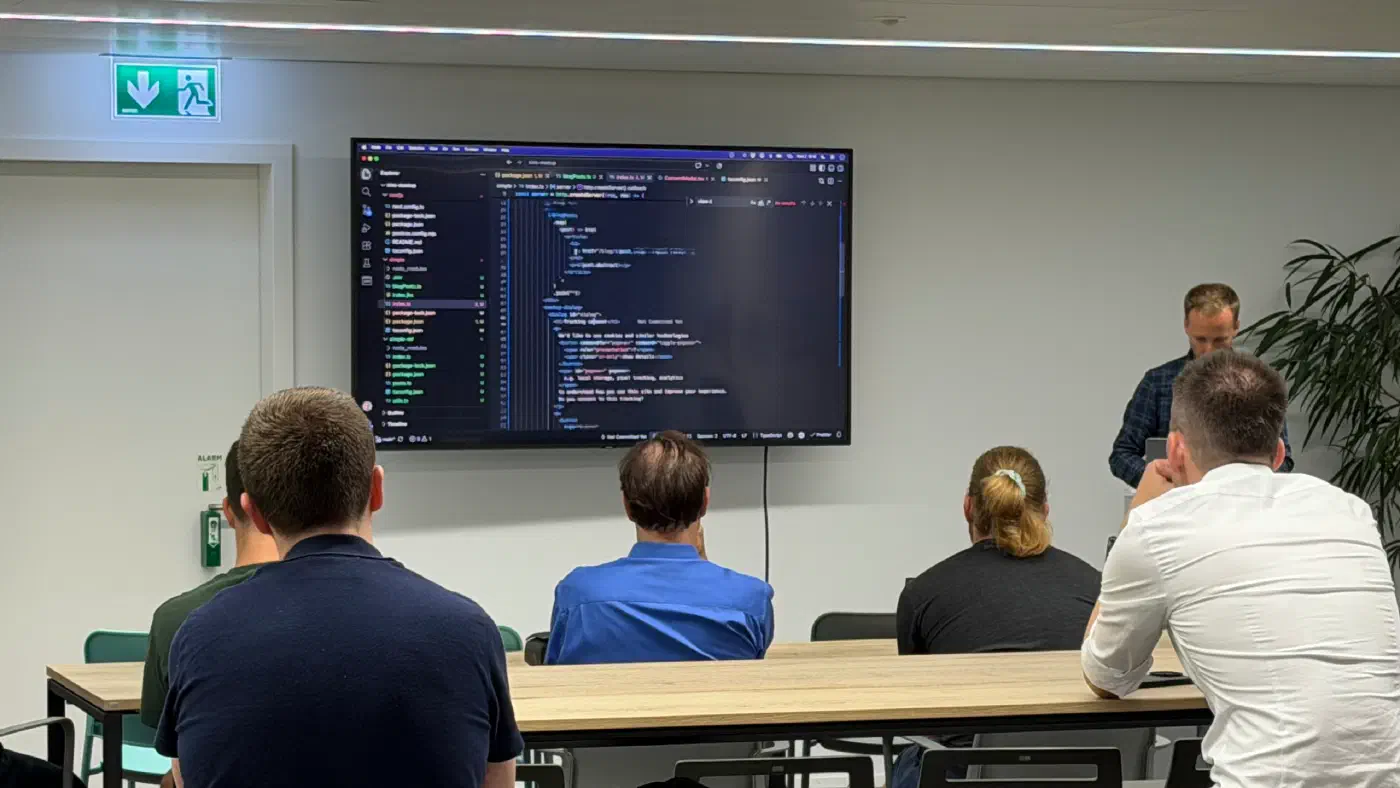
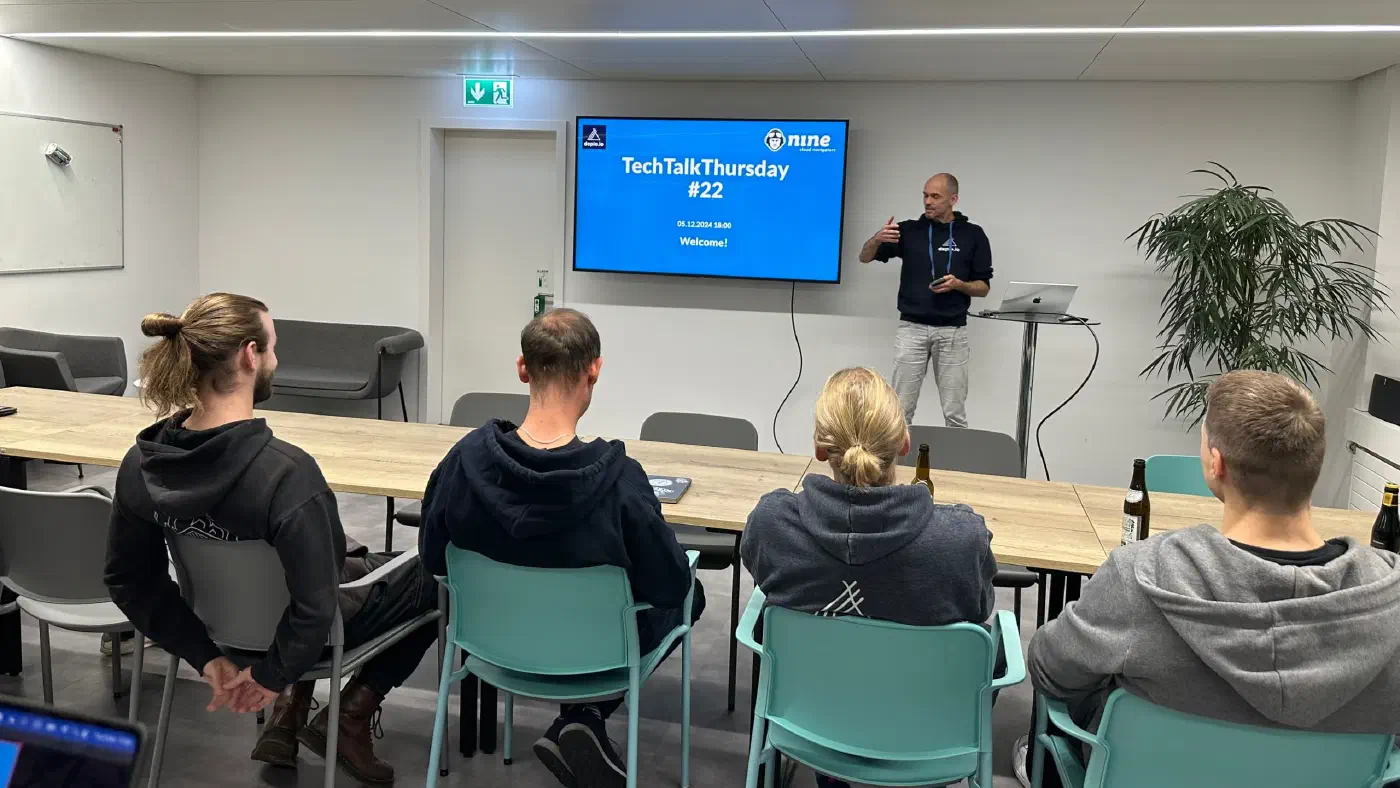
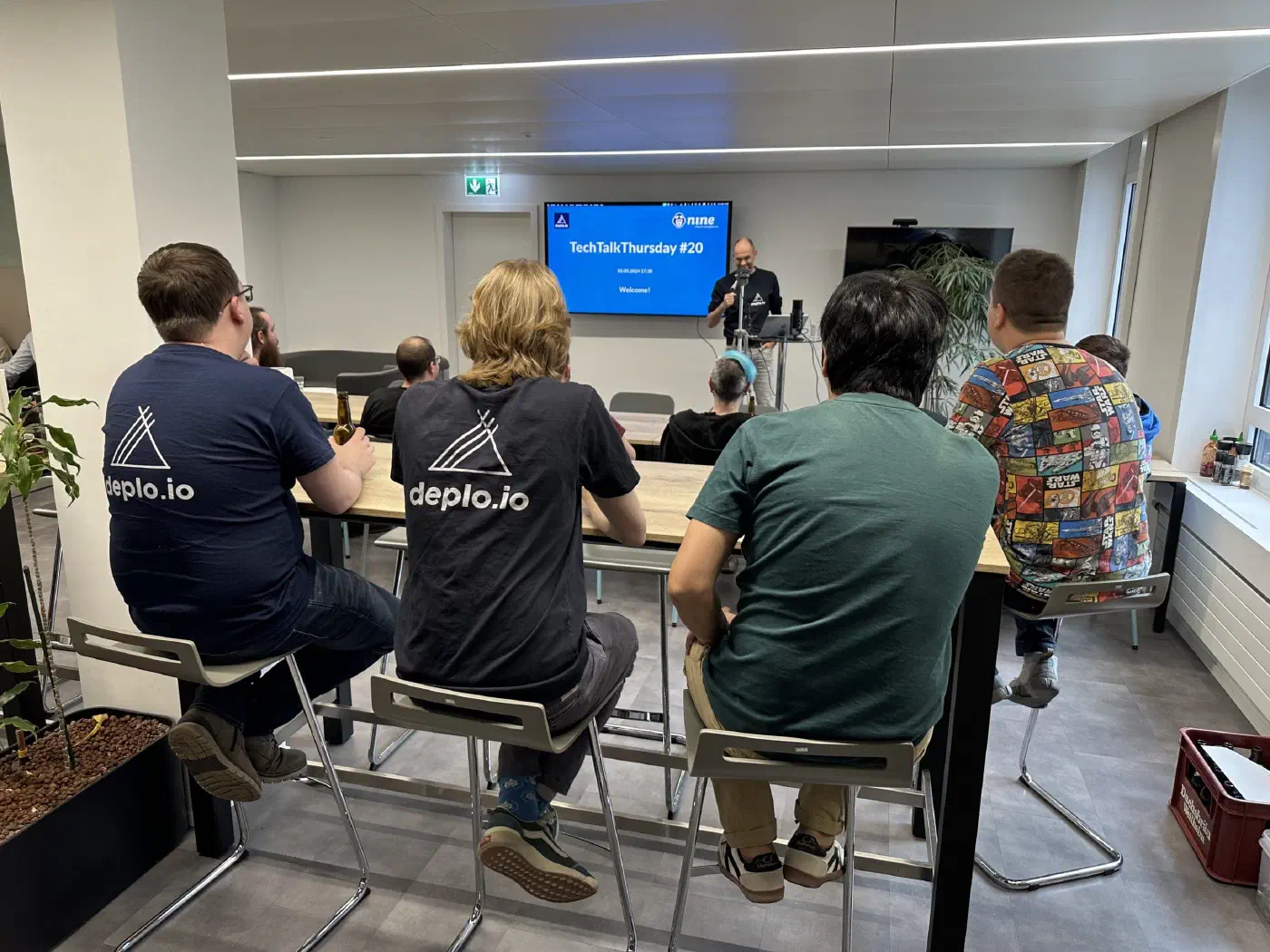
On a Friday in September, we dedicated an internal hackathon to cutting out those extra steps. Three teams each built or mapped out a prototype in a day. None of this is in production yet, and we haven’t decided what will make it onto the roadmap, which makes right now a good time to share what we tried, where we hit walls, and what we’re still debating.
A “Deploy to Deploio” Button for Full Stacks
Web agency Renuo, who run their client projects on Deploio, had suggested this a while ago: a Heroku-style deploy button you can drop into a README to spin up a project in Deploio. The first group built a prototype that goes beyond deploying a single container and provisions the entire stack at once.

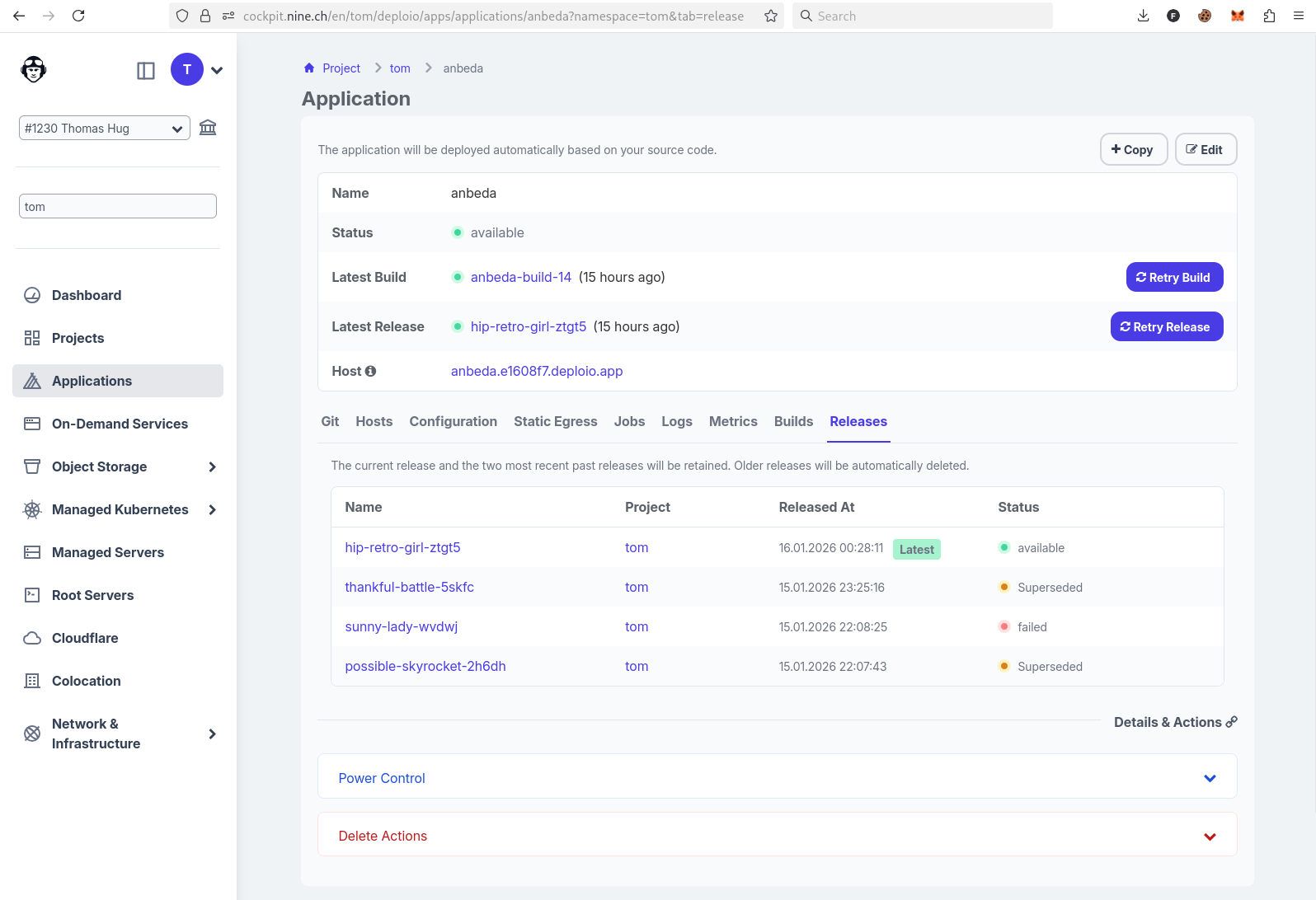
Clicking the button opens a pre-filled view in Cockpit showing the app, its database and the service connection between them. Cockpit only prompts for missing project-specific values (like an initial admin user) and can auto-generate secrets. Before hitting “Deploy”, you can still tweak the database version, location or backup policy.
Under the hood, the button reads from a YAML file defining the repo, environment variables, jobs and backing services. Since nobody wants to write yet another YAML schema from scratch, the team also built a wizard that pulls valid parameters straight from our API, validates your inputs and spits out the Markdown snippet for your docs.
We see this primarily as a tool for agencies spinning up the same base stack across dozens of client projects. Still, the prototype exposed a few hard problems:
- Private repos aren’t supported in the prototype yet.
- Cockpit architecture: Cockpit is currently built around creating one resource at a time, so orchestrating multi-resource setups in the UI requires significant rework.
- Target audience and guardrails: Should this only target agencies deploying their own templates, or open-source projects too? And if spinning up a complex stack takes a single click, how do we keep users from deploying setups they don’t know how to operate or debug?
Object Storage Without Copy-Pasting Credentials
Linking a database, key-value store or OpenSearch instance to a Deploio app is a single service connection: Deploio injects the credentials as environment variables automatically. Object storage is the odd one out: you still have to create a bucket, create a user, configure permissions and copy-paste keys into your app. Worse, when you delete the app later, those orphaned users and permissions usually stick around.
To test what a smoother workflow could look like, the second group took an off-the-shelf S3 browser from GitHub and deployed it on Deploio via its Dockerfile without touching a line of code. Looking at how common tools configure S3 access, the team noticed most expect the same standard environment variable names (such as AWS_ACCESS_KEY_ID and AWS_SECRET_ACCESS_KEY).
That led to a straightforward design: pass a bucket name when updating your app via nctl, and let Deploio handle the plumbing. The platform would automatically provision a read/write user, inject the credentials using standard S3 variable names, and revoke the user when the app is deleted, leaving the bucket and its data intact. Custom variable aliases could follow later if needed. The goal is simple: buckets should work just like any other on-demand service.
One-Click Apps: Where Do We Draw the Line?
The third group tackled a product question rather than writing code: if we offer pre-packaged apps on Deploio, which ones make sense, and who maintains them?
When people ask for “one-click apps”, they usually mean one of three things:
- End-user applications (like WordPress) maintained by us.
- Community-maintained templates where we review pull requests.
- Developer utilities that sit next to our managed services.
We quickly ruled out the first two. From experience, offering one-click end-user software blurs the support boundary: if you launch WordPress or a video conferencing tool through one of our buttons, you will naturally contact our support when an upstream plugin update breaks your site, even if we officially disclaim application support. Factoring that support and maintenance load into the price of a small Deploio app simply doesn’t add up. You can still deploy WordPress or Nextcloud on Deploio yourself, of course, where it’s clear that running and updating the application is on you (while we support the underlying platform as usual).
What does make sense is the third category: companion tools for technical teams, such as an S3 browser, phpMyAdmin or OpenSearch Dashboards. As a proof of concept, the group deployed OpenSearch Dashboards alongside an on-demand OpenSearch instance, wired up automatically via a service connection. They also looked into Mailpit, a staging email catcher agencies ask us for regularly. Right now that’s blocked because Mailpit needs an SMTP port and Deploio only routes HTTP/HTTPS traffic.
Tell Us What You’d Use
Before we turn any of these prototypes into roadmap items, we’d love your input: which companion app would save you the most time on Deploio, and which manual deployment step annoys you the most today? Drop a comment below, or check the Deploio documentation to see what’s already possible.
