 Status









































































If you’ve ever managed infrastructure through a web interface, you know how easy it is to lose track of which settings you changed, when, and why. It’s convenient in the moment, but difficult to reproduce, review, or automate later. Especially when multiple people work on the same infrastructure.
That’s where Infrastructure as Code (IaC) comes in. Instead of describing your infrastructure through clicks in a UI, you describe it in code. That code can be version controlled, reviewed through pull requests, reused, and executed repeatedly to produce the same result every time.
Infrastructure as Code is just a part of the picture. Modern platforms are also driven by APIs, command-line tools, deployment platforms, configuration management, and GitOps workflows. Together, these tools make it possible to interact with and automate your infrastructure entirely through code.
This is especially valuable if you’re building a platform for other teams to use. Standardizing how infrastructure is provisioned, whether through Terraform modules, Ansible playbooks, or GitOps repositories, gives every team a consistent, reviewable way to work instead of each team inventing its own approach. It also makes it much easier to see where infrastructure costs actually come from, since resources tied to a specific team or project are defined explicitly in code rather than scattered across a shared account.
Whatever your preferred workflow, there’s a good chance we already have a tool, example, or guide to help you get started.
Your toolkit for interacting with us through code
| Tool | What it does | Best for |
|---|---|---|
| Nine API | Direct REST access to all Nine resources | Custom integrations, your own tooling |
nctl | CLI built on the Nine API | Day-to-day operations, scripting, CI/CD |
| Deploio | Managed application platform (git push to deploy) | Deploying applications without managing infrastructure |
| Terraform | Declarative provisioning of cloud resources | Versioned, reviewable environments (clusters, databases, storage) |
| Ansible | Orchestration of multi-step workflows | Provisioning, configuring, and validating in one playbook |
| ArgoCD | GitOps continuous delivery for Kubernetes | Keeping deployed applications in sync with a Git repository |
The Nine API
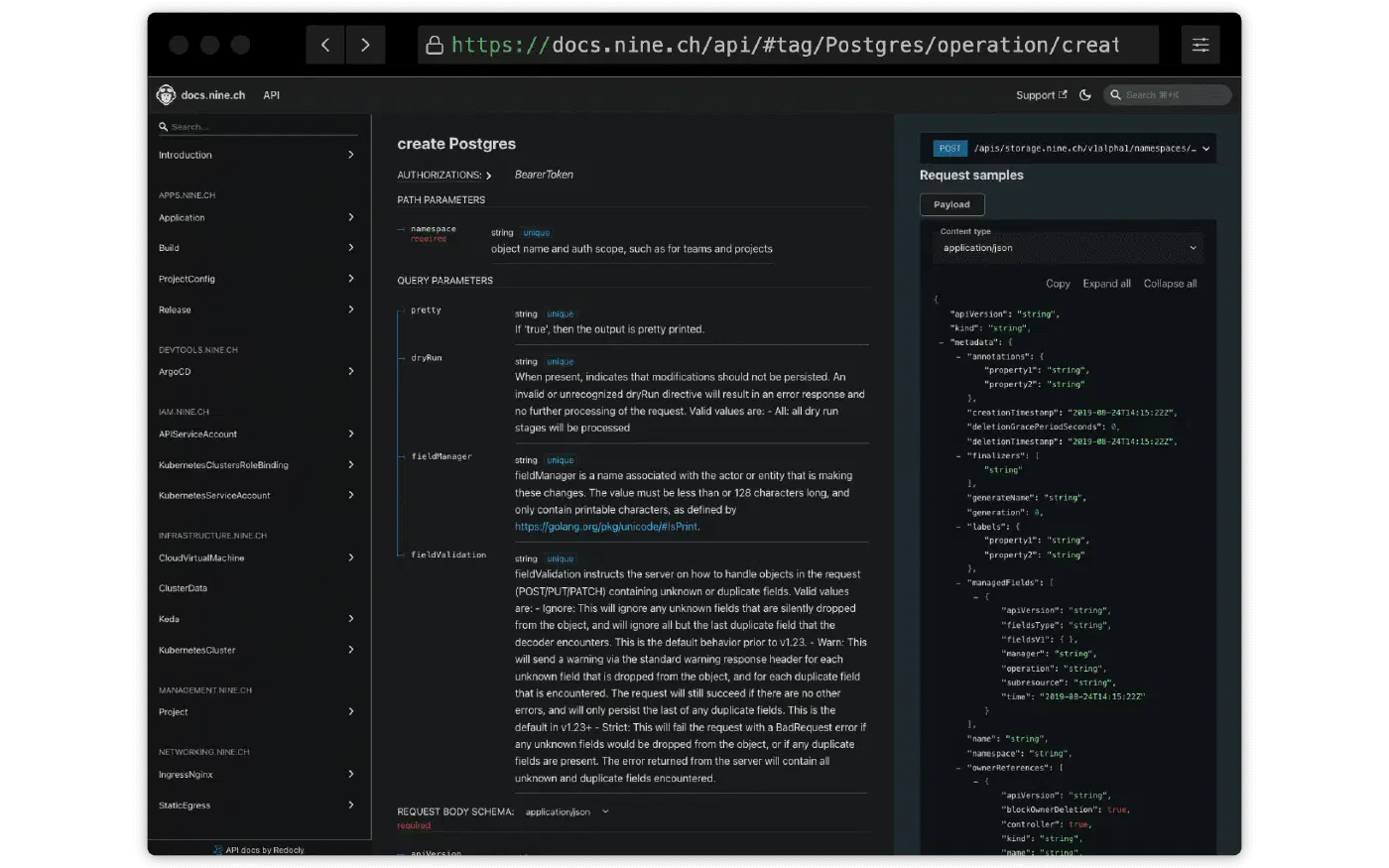
The Nine APIs are the foundation of automation on our platform. They expose all our public services through a REST API based on Kubernetes concepts, making them familiar to anyone already working with cloud native tooling.
You can interact with the API using:
If none of the existing tools fit your workflow, you can build your own. The API is open, standards based, and designed to be integrated into your own scripts, applications, or internal platforms.
Full documentation is available at docs.nine.ch/api.
To learn more about the ideas behind the API, read our blog post Introducing the Nine Self-Service API.
nctl: The Nine Command Line Interface
nctl is our command line client built on top
of the Nine API. It provides a convenient interface for creating, updating,
and inspecting your Nine resources directly from the terminal, without having
to use HTTP requests or Kubernetes manifests yourself.
It’s a great choice if you want to automate repetitive tasks, integrate us
into shell scripts or CI/CD pipelines, or simply prefer working from the command
line. Behind the scenes, nctl uses the same public API, so anything you learn
with nctl also helps you understand the underlying platform.
The nctl documentation
contains installation instructions, getting started guides, and examples for
working with Kubernetes clusters, databases, object storage, virtual machines,
Deploio applications, and many other Nine services.
Deploio
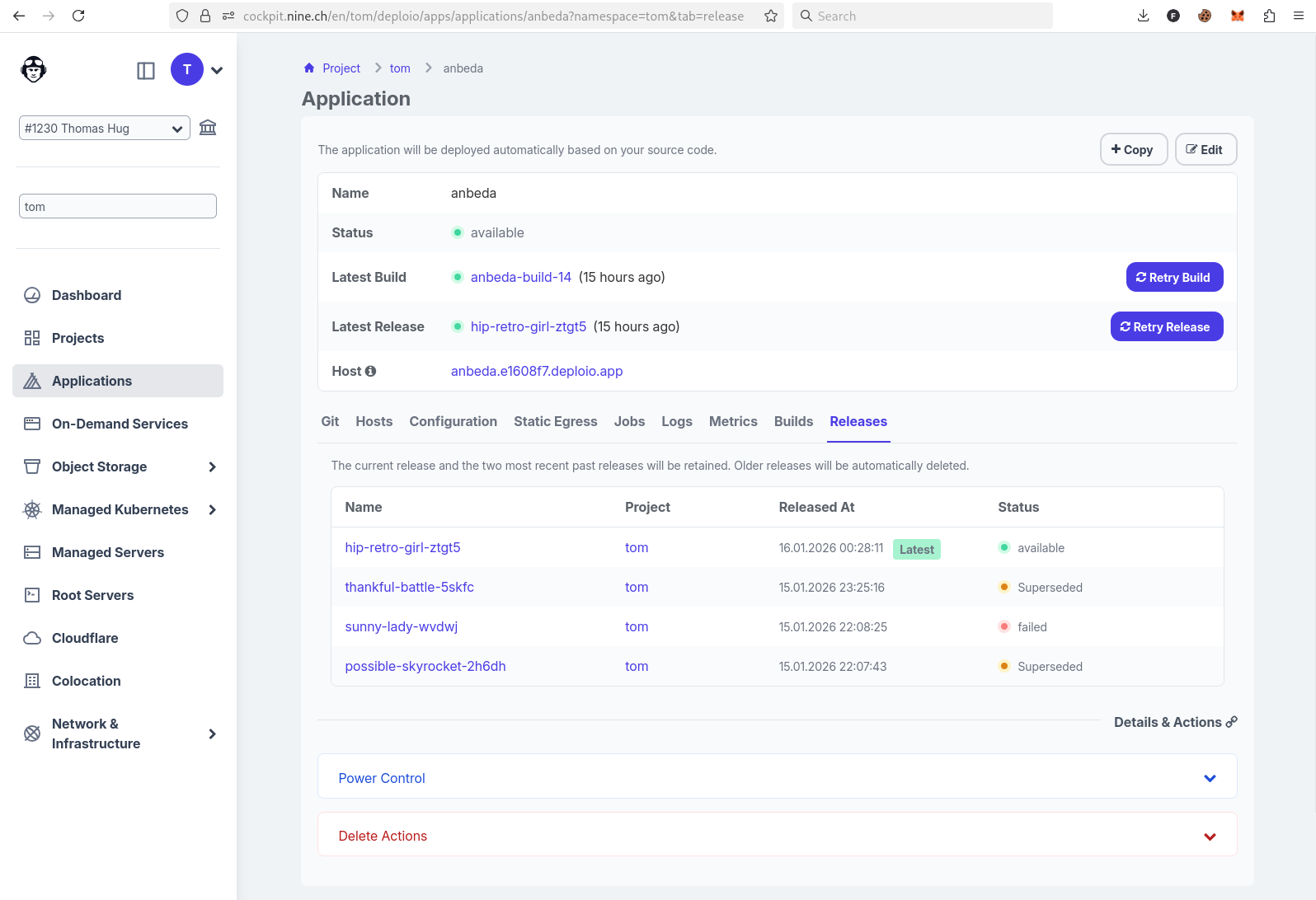
Deploio is our managed application platform. Instead of provisioning infrastructure yourself, you simply point Deploio at your Git repository. It clones your source code, builds it into an OCI container image, deploys a new release, and exposes your application automatically.
Out of the box, Deploio supports several popular languages and frameworks
through Cloud Native Buildpacks. If your application requires more control, you
can also build it using your own Dockerfile, making it possible to run virtually
any web application.
Although the platform hides much of the operational complexity, it doesn’t turn
deployment into a black box. Using nctl you can inspect build and release
logs, retry failed builds or releases, execute a shell inside a running
application, or even pull the generated OCI image to your local machine for
debugging.
Browse our Deploio examples repository, which contains sample applications for different languages and frameworks. If your favorite technology is missing, let us know - we’re always happy to expand our examples.
You can also learn more in our blog:
Terraform: classic Infrastructure as Code
If you’re already comfortable managing individual resources with nctl or the
API directly, you might wonder when Terraform makes more sense. nctl and the
API are ideal for quick, imperative changes, scripting, and day-to-day
operations. Terraform is the better fit once you need to provision and version
an entire environment declaratively, for example a Kubernetes cluster together
with its databases and storage buckets as a single reviewable, repeatable unit,
especially when that state needs to be shared and reviewed across a team.
Terraform is a popular Infrastructure as Code tool for provisioning cloud resources. Instead of creating infrastructure manually, you describe the desired state in code and let Terraform determine which resources need to be created, updated, or removed.
This makes it easy to version your infrastructure, review changes through pull requests, and recreate identical environments whenever needed. Terraform is an excellent choice for provisioning long lived infrastructure such as Kubernetes clusters before handing them over to application deployment tools like ArgoCD.
Our Terraform examples show how to provision Nine resources entirely through code and can serve as a starting point for your own infrastructure.
Ansible: automating infrastructure setup
While Terraform focuses on provisioning infrastructure, Ansible excels at orchestrating complete workflows. Using simple, human readable YAML playbooks, you can provision resources, wait for them to become available, retrieve connection details, configure services, validate the deployment, and automate any follow-up tasks.
Our guide From Zero to Infra: Building a Production-Ready Setup Using Our API & Ansible
demonstrates how to combine Ansible with the Nine API and nctl to provision
a production like environment consisting of a PostgreSQL database, a Redis
instance, and a virtual machine. Along the way, the playbooks also retrieve
connection information and verify that each service is ready to use.
ArgoCD: Continuous Delivery the GitOps way
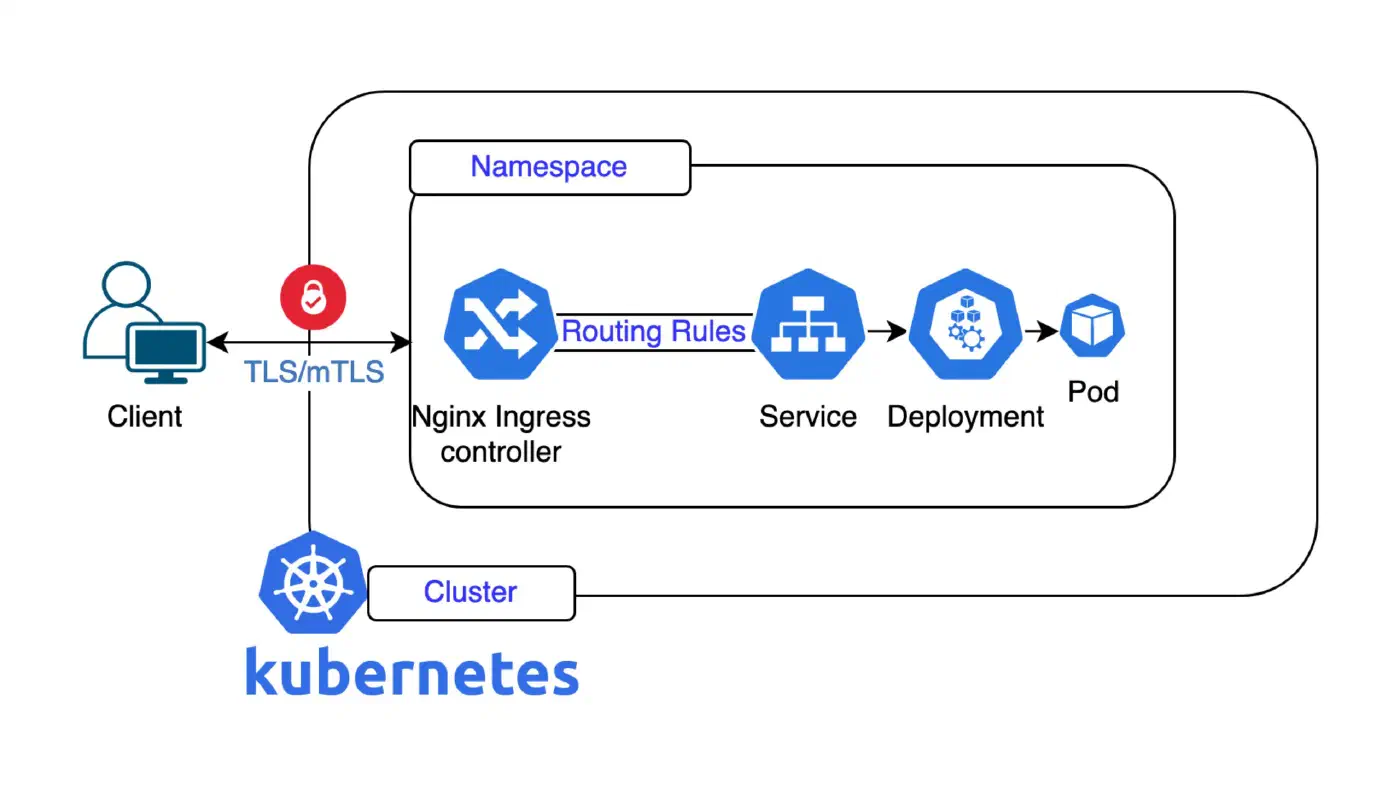
ArgoCD brings the GitOps approach to Kubernetes. Instead of deploying applications manually, you store your Kubernetes manifests or Helm charts in a Git repository. ArgoCD continuously monitors that repository and ensures that your cluster always matches the desired state defined in Git.
This means every deployment is version controlled, reviewed through pull requests, and easy to roll back if necessary. If someone makes a manual change to the cluster, ArgoCD detects the drift and can automatically reconcile it, keeping your applications in the state you’ve declared.
Our ArgoCD example applications demonstrate how to deploy applications on Nine using Helm and GitOps workflows. Feel free to use them as a starting point for your own projects.
To see this in practice, read how we helped mühlemann+popp introduce ArgoCD to give their healthcare customer full visibility into deployments while migrating to Nine Kubernetes Engine.
Explore, Contribute and Improve
All our open source projects are available on our GitHub
Browse the repositories, fork them, submit pull requests, or simply use them as inspiration for your own projects. We always welcome feedback and contributions.
Join the Conversation
Is there a tool, example, or integration you’d like to see? Open an issue on the relevant GitHub repository and tell us what’s missing or unclear. We’d love to hear how you’re managing your infrastructure at Nine in code.
