 Status





































































You know the drill: There’s this server you should have updated ages ago. But there’s still that one app running on it that probably won’t work on the new server without modifications. So you leave it. Again and again.
For me, it was an Angular 4 app – the frontend for my personal accounting application. Self-built in 2017. Yes, back then there was no AI to do it for you. Since then, it’s been running beautifully, doing exactly what it’s supposed to do.
The Failed Attempts
Since we released Deploio as a product in 2023, I had wanted to migrate the app. I made a few attempts. I have to admit: I hadn’t invested much time. A bit of googling error messages, copy-pasting errors into ChatGPT, etc. The typical “let me just quickly try this”. It didn’t work. The app wouldn’t compile, some dependencies were outdated, TypeScript was complaining. From experience, I knew: This is going to be a can of worms.
The Breakthrough with Claude Code
After the great experiences with Claude Code – whether it was a connector for Odoo 19 (we’re migrating from Odoo14 to Odoo19 soon) or the migration of our website from WordPress to Hugo – I thought: Why not just let Claude have a look?
What’s special about Claude Code is that it doesn’t just generate code, but runs directly in the console and can operate tools. It sees the error messages when the app doesn’t compile. It understands the context. And it fixes the errors autonomously – iteratively, until it works.
The Secret Ingredient: nctl
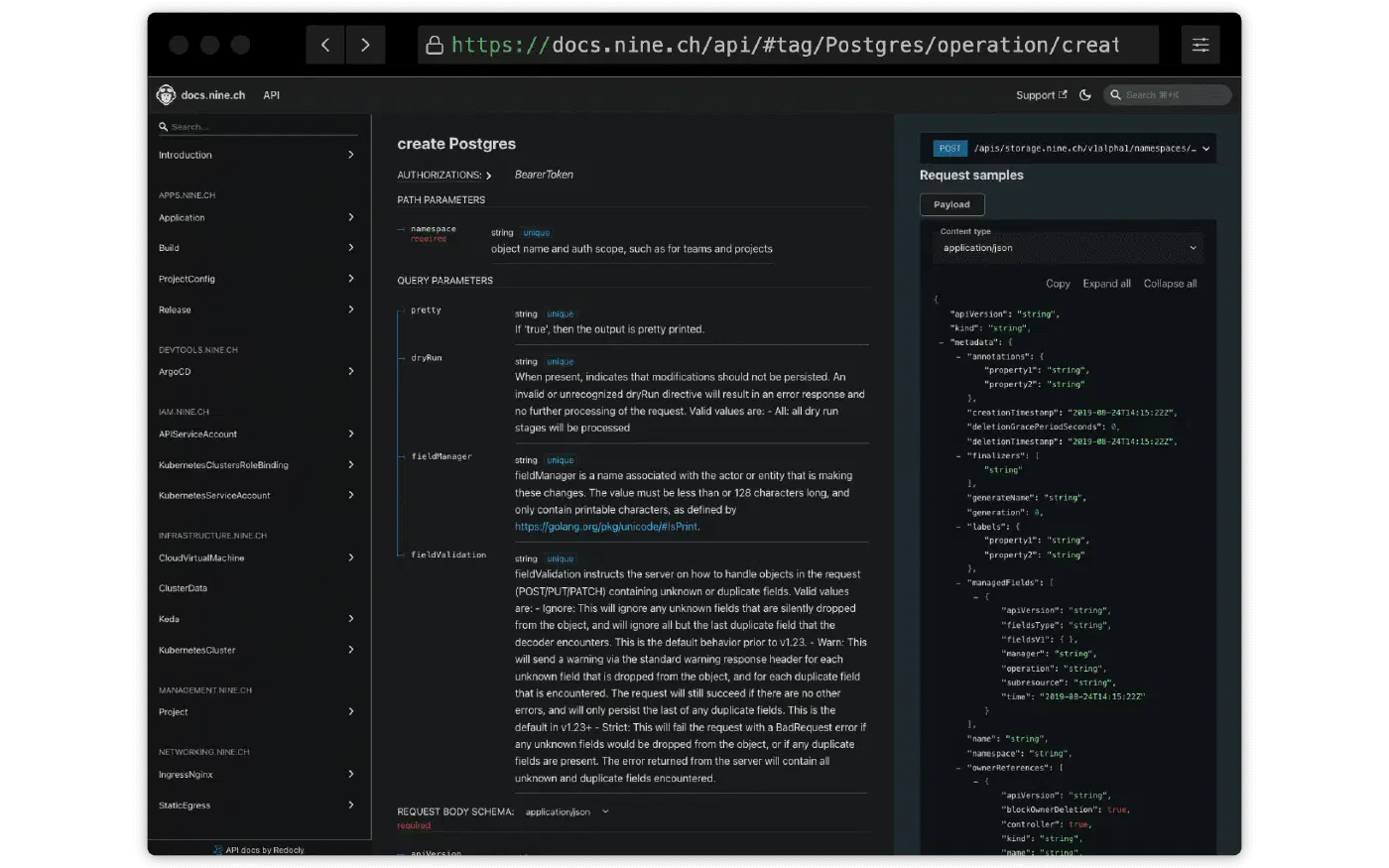
It gets even more interesting with our CLI tool nctl. With it, Claude Code can interact directly with Deploio: create apps, view logs, monitor deployments. That’s the real game-changer.
I allowed Claude to view logs:
nctl logs app anbeda -l 500
And I allowed it to commit and push. The code is on GitHub, and Deploio fetches the code directly from there – with every push, it automatically redeploys.
4-5 Iterations – Then It Worked
The migration then ran almost by itself:
- Claude analyses the old code and the outdated dependencies
- Creates a Procfile for the buildpack
- Pushes the changes
- Deploio builds and deploys
- Claude checks the logs, sees the error
- Fixes the error, pushes again
- Repeat
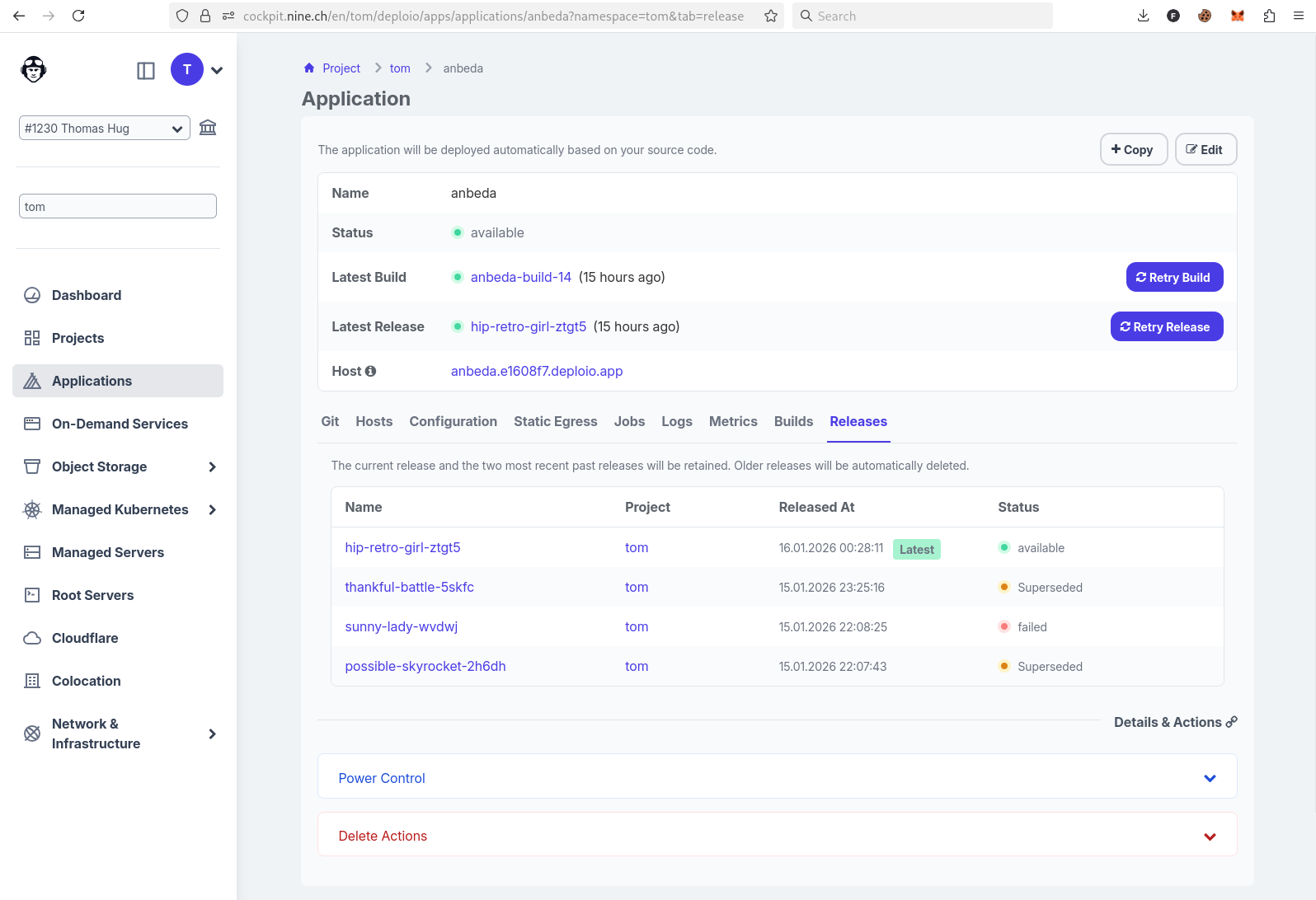
After 4-5 iterations: The app runs (see screenshot). On Deploio. With current Node.js. Without me having to fight through hundreds of deprecation warnings!
Bonus: Staging Environment in Seconds
Since you can also create new apps with nctl, I had Claude set up a staging environment for me:
nctl create app anbeda-dev \
  --git-url https://github.com/thomhug/anbeda-frontend \
  --git-revision dev
The staging app simply fetches the dev branch instead of main. I could have done this quickly by hand, of course – but if Claude is already at it, why not?
The Conclusion: Vibe Deploying
What is “Vibe Deploying”? It’s like Vibe Coding, but for infrastructure. You give the AI access to the right tools, describe the goal, and let it iterate. Errors are detected and fixed without having to debug every line yourself.
Of course, you have to be careful what you allow the AI to do. But for migration projects like this – where an old app needs to move to a new platform – it’s an enormous productivity gain. Alternatively, you can also confirm each command individually and don’t have to worry about AI hallucinations suddenly causing chaos on your infrastructure!
My server can finally be updated. The app runs on Deploio. And I barely did anything except watch.
Do you have old apps that you’ve been meaning to migrate for ages? Give it a try – with Deploio, nctl, and an AI assistant of your choice.
